Amazon Associates Halo Effect (2026): Same-ASIN Content Triage After Onsite Commissions Narrowed
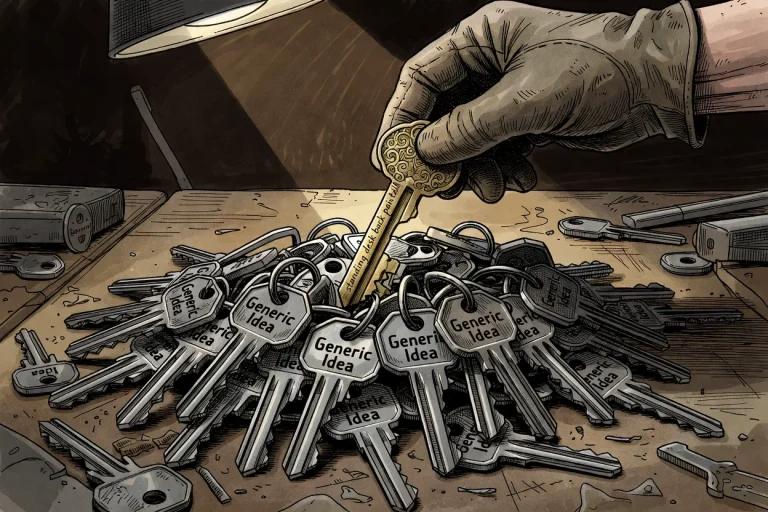
Operators often misread the April onsite commission change as the death of Amazon Associates. A common failure mode then follows: the publisher keeps publishing broad listicles that only paid when the rest of the cart commissioned, watches the dashboard go flat, and declares the program dead.
That is not a diagnosis. It is a panic response.
Before I trust any “Amazon is dead” narrative, I need two things on the table: the onsite versus offsite split, and a page-level audit of what actually earned before the change. Most operators skip both. Then they rebuild the stack on vibes and lose another quarter.
This tutorial walks the triage. Six steps. Checkpoints at the end of each. The goal is not to save every page. It is to name which pages still earn on the linked ASIN alone, and which pages were traffic vanity dressed up as commission assets.
One disambiguation before we start, because the SERP mixes these constantly. This piece is about Associates onsite same-ASIN / Direct Qualifying Purchases – the cart “halo” commissions narrowing. It is not Amazon Ads Brand Halo, which is a TikTok/Meta traffic-to-Amazon measurement topic. Different surface, different rules. If you landed here expecting DSP Brand Halo analysis, this is the wrong URL. I will say it again in the FAQ. Now we stay on Associates scope.
Prerequisites: Open the Ledger Before You Rewrite
You cannot triage what you cannot see. Before touching a single page, assemble four raw materials.
First, Associates Central access with the old onsite/halo share visible. If you never exported your February or March reports, accept that you are working from memory. Memory is not a number.
Second, a page list tagged by linked ASIN. Every URL you publish should map to the specific product or variant it sends clicks toward. If you cannot produce that mapping in ten minutes, your tracking discipline is the first problem to fix.
Third, a tracking ID and subtag map. Amazon’s revised reporting now exposes four levels: Linked ASIN, Category, Tracking ID, and Subtag. Those are the remaining control points once exact sold-ASIN truth disappears. You need to know which tag lives on which page before any rebuild decision.
Fourth, the two primary documents open in another tab: the Onsite Commission Income / Direct Qualifying Purchases help page and the Operating Agreement updates page. These are the policy texts. I cite them directly. Do not paraphrase-drift from them.
That is the full toolset. No vendor roundup, no dashboard SaaS shopping. If you already know the program signup basics and this list confuses you, soft-link to the Associates program explainer before continuing.
Checkpoint: You can open Associates Central, export a page-level earnings view, and tag every URL to a linked ASIN and tracking ID. The two policy docs are open. If yes, proceed.
The Failed Assumption and the Halo Disambiguation
The failed assumption runs like this: same-ASIN narrowing equals Amazon dead, so I keep the same listicles and hope. That is two errors compressed into one story.
First, same-ASIN narrowing is not a program shutdown. It is a scope change on one revenue surface. Second, keeping the same listicles assumes the old format still earns under the new rule. It often does not.
The halo disambiguation matters because the word “halo” now does double duty. When operators say “the halo effect update,” they usually mean the onsite change: Amazon stopped paying onsite commissions on unrelated products the shopper added after clicking your content. The April 14, 2026 Operating Agreement update says onsite commission income now applies only to Direct Qualifying Purchases of the same ASIN variant as the linked Product detail page, as determined by Amazon. That is the cart halo narrowing.
It is not Amazon Ads Brand Halo. That is a separate measurement system for brands tracking TikTok or Meta ads into Amazon sales. Name the trap once, then stay on Associates scope.
The practitioner reality is blunt: lazy mode is over. A structural scenario explains why that is not an insult. A publisher built a page around a high-ticket espresso machine, intending to earn on that anchor and on every grinder, tamper, and descaling kit the shopper added afterward. That page paid well in 2024 because the cart did the heavy lifting. Under same-ASIN focus, the page earns on the espresso machine alone, and maybe its Amazon-determined variants. Everything else in the cart stopped paying.
That is the exposure. Before you panic, split the ledger.
Step 1: Split Onsite vs Offsite First
The single most useful question you can ask before touching content: did Amazon surface this content, or did I drive the traffic?

Onsite means Amazon displayed your content - shoppable videos, idea lists, storefront placements - inside Amazon’s own browse experience. Onsite earnings use a separate Onsite Store ID, often the one beginning with onamz. The same-ASIN change applies here.
Offsite means you drove the click yourself: a blog post, newsletter, YouTube description, Pinterest pin, Instagram link. Offsite Associates uses your regular tracked links with standard attribution rules. The same-ASIN narrowing is an onsite scope change. Your offsite path still behaves like the classic referral pipe, subject to its own cookie and cart rules, which we revisit in Step 3.
Why this split comes first: a lot of operators panic over an onsite revenue collapse when their offsite links are structurally fine. Or they feel the whole program broke because one dashboard blends both buckets. The item-level reporting explainer covers the Onsite vs Associates dashboard confusion in detail. Do not rebuild that here.
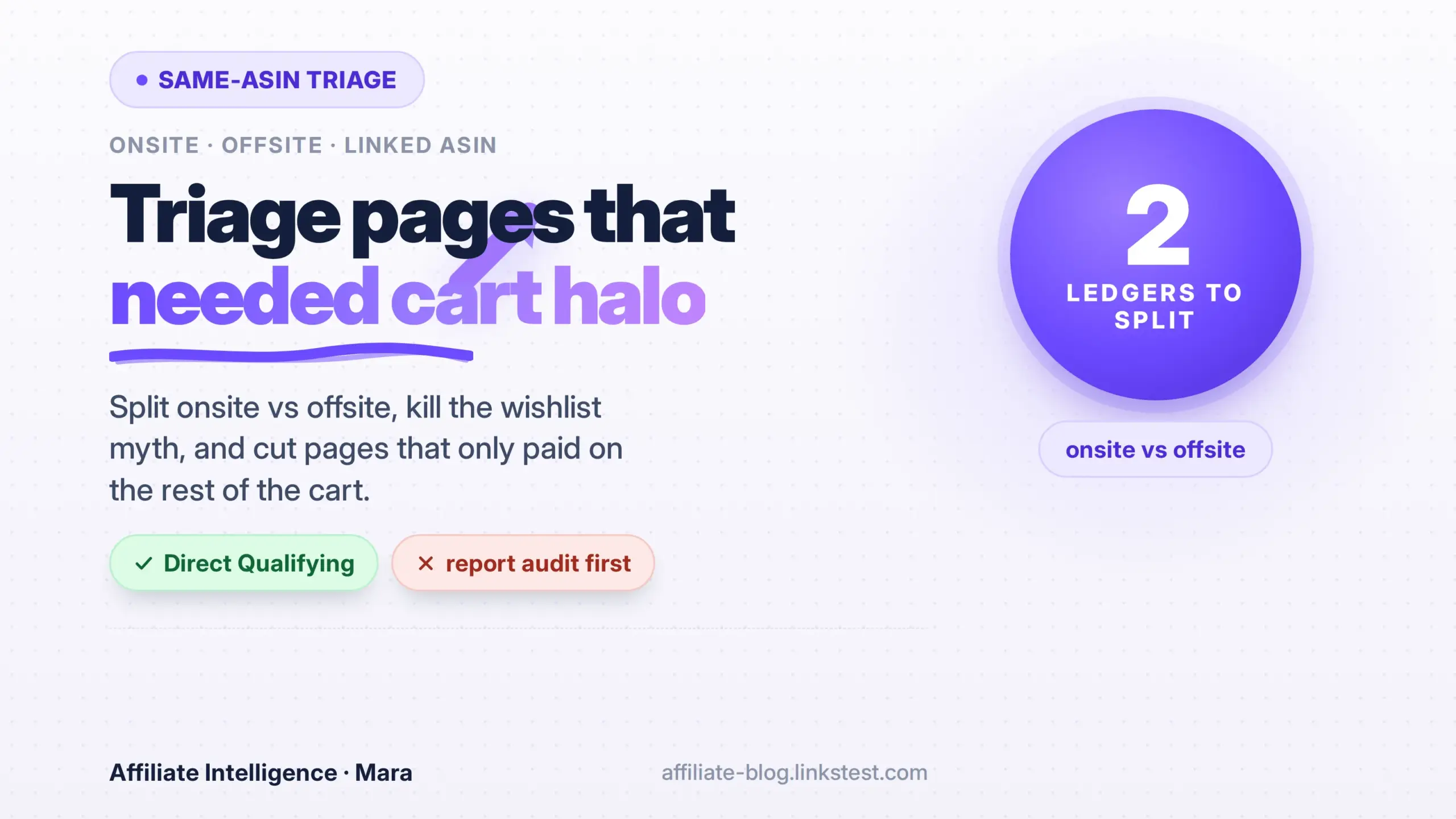
Build a two-column page ledger. Column A: onsite pages - anything Amazon may surface. Column B: offsite pages - anything you personally distribute. Now mark every URL by traffic class. This sounds basic. Most operators cannot produce it cleanly in one sitting, which is exactly why it is Step 1.
Checkpoint: Each page has a column label - onsite, offsite, or mixed. You can see, at a glance, which pages the same-ASIN rule actually affects. If everything is “mixed,” split by placement type before proceeding.
Step 2: Name the Onsite Earning Unit: Same-ASIN / Direct Qualifying Purchases
Now that the ledger splits, state the new onsite rule precisely. Amazon’s help page defines it directly: a Direct Qualifying Purchase means “a Qualifying Purchase of a Product of the same ASIN variant, as determined by us.” The Operating Agreement update says onsite commission income applies only to Direct Qualifying Purchases of the same ASIN variant as the linked Product detail page.
That is the earning unit. Not the shopper’s cart. Not the category they wandered into. The linked ASIN and its Amazon-determined variants only. Do not stretch this into a same-category halo. The old “same product category” language was the broad rule; the new help page wording is narrower, and “as determined by us” means Amazon decides the variant boundary.
Operationally, this means every onsite page now needs to pass a test: does this page make money if the only item purchased is the exact ASIN I linked? Pages that passed that test in the old model pass now. Pages that earned on the cart, not the recommendation, fail.
Structural scenario: a shoppable video about a specific cast-iron skillet. Under the old rule, if the viewer bought a Dutch oven, a trivet, and a cookbook, you earned on the whole trip. Under the new rule, you earn on the skillet and its Amazon-determined variants - nothing else. A video built around “the best kitchen upgrades” without a single anchor product now has no primary earning unit. That is not a content problem; it is an economic one.
I recommend writing this line on a sticky note above your monitor: onsite now pays on the linked ASIN or its Amazon-determined variants, not the rest of the cart. Before I trust any optimization advice, I check whether the advice assumes the old cart-wide model. Most of it does.
Checkpoint: You can explain the Direct Qualifying Purchase rule in one sentence, and you can spot an onsite page that never earned on its linked ASIN alone. If not, reread the two primary docs before continuing.
Step 3: Kill the Wishlist Myth and Map Attribution Traps
Two adjacent myths keep floating through operator conversations. Kill the first one explicitly.
Wishlist does not lock commission. Saving an item to a wishlist is not the same as adding it to the cart within the attribution window. The cart window is what extends credit. A wishlist save inside the 24-hour click is a bookmark; it does not carry a 90-day commission hold. A cart add inside the 24-hour window does. Conflating the two creates a phantom forecast. That is the myth.
The real rule, per Amazon’s help, is: the 24-hour window closes once the customer submits the order or reenters Amazon through another Associate’s link. Items added to the cart within that window can hold attribution for up to 90 days, but only those items - not later cart additions, and not wishlist saves.
Now map the attribution traps that still leak money offsite, because they do not vanish under same-ASIN focus.
Cookie overwrite is the most common. A shopper clicks your link, then later clicks another Associate’s link. The later click overwrites yours. You did the work. You lose the credit. There is no fix in content; the fix is structural: shorten the path, strengthen the recommendation, reduce the chance the shopper keeps comparison-shopping through other affiliate links.
Delayed checkout is the second trap. A shopper adds your item to the cart inside the 24-hour window, then buys two weeks later. That purchase can still attribute to you - the cart hold covers it. But if they add the item after your window closes, you earn nothing on it. The timing of cart addition, not checkout, determines the credit.
In-app browser and tag stripping are the third trap, and they are the most fixable. A click fired inside Instagram’s in-app browser may land the shopper logged out, with no saved payment, and a tag that resolves without your ID. The click happened. The commission did not. Before you blame the algorithm, verify the final URL still carries tag= and the destination is obviously Amazon. This is a structural URL check, not a content fix. For redirect setup, see affiliate link cloaking compliance: Amazon rules vs Google rel=sponsored.
I recommend treating attribution as a pipeline, not a mystery. The same-ASIN change removed the cart bonus. It did not remove the 24-hour window. You still lose money if your click never reaches Amazon with the tag intact.
If you need the fuller funnel diagnostic - clicks steady, conversions down, mobile friction details - the funnel post covers it. This piece stays on content triage.
Checkpoint: You can distinguish wishlist from cart, you know the overwrite risk, and you can verify a tagged URL. If those three are clear, proceed to the content triage itself.
Step 4: Run the Content Triage Under Same-ASIN
Here is the core of the tutorial. Classify every onsite page into three buckets.

- Earns on linked ASIN alone – keep and strengthen.
- Anchor-plus-accessories fail – the page needed the cart halo to be profitable. Rewrite around one high-conviction ASIN, or restructure.
- Cold refresh – low or zero linked-ASIN direct conversions. Retire, archive, or move to offsite rotation only if a separate traffic value exists.
The classification turns on one question: if the only qualifying purchase is the exact ASIN I linked, does this page still justify its existence?
Earns on linked ASIN alone. Decision-help content, comparison pages built around a specific product, and exact-variant recommendations. A page titled “Cordless Drill X vs Cordless Drill Y: Which for Concrete?” has a clear earning unit: the drill the reader chooses. A page titled “Everything You Need for a Home Workshop” has no earning unit at all - it was a cart-halo play. The format itself is not bad; the earning unit is missing. Rewrite around a specific anchor, or cut.
Anchor-plus-accessories fail. This pattern was the backbone of onsite content in 2024. High-ticket anchor plus a trail of commission-bearing accessories. Under same-ASIN focus, the accessories stop paying. The page still earns on the anchor, but the economics changed: the anchor now has to carry the page alone. If the page was built around a high-ticket espresso machine anchor with a trail of grinders, tampers, and descaling kits, the accessory tail no longer contributes. The page is not automatically dead, but it must prove the anchor alone justifies maintenance. That is a report question. Step 5 gives you the method.
Cold refresh. Some pages were built purely to catch unrelated cart purchases - broad “top products for your kitchen” listicles that earned on whatever the shopper bought next. Those pages now earn on the linked ASIN only, which in a broad listicle means whichever single product the user happened to click. If the list has twenty products, the earning unit is diffuse. Amazon’s report dimensions expose “Linked ASIN” as the click-start product, not the sold-product truth. That is a pre-click signal, not a commission guarantee.
The rewritten version of a cold title is narrow and exact. Instead of “10 Best Kitchen Gadgets,” publish “Which Milk Frother Works with the Breville Barista Express: 3 Exact-Variant Tests.” The latter earns on a single linked ASIN or its Amazon-determined variants. The former was a cart-halo play in a trench coat.
| Bucket | Old cart-halo behavior | Same-ASIN behavior | Action |
|---|---|---|---|
| Earns on linked ASIN alone | Earned mainly on the linked ASIN. | Still earns on the linked ASIN or its Amazon-determined variants. | Keep and strengthen the recommendation. |
| Anchor + accessories fail | Earned on the anchor plus added accessories. | Earns only on the anchor ASIN; the accessory tail no longer pays. | Rewrite around one high-conviction ASIN or consolidate. |
| Cold refresh | Earned from unrelated cart additions. | Little or zero linked-ASIN direct conversion. | Retire, archive, or move to offsite rotation if traffic value exists. |
Checkpoint: Every onsite page has one of three labels. No page is unclassified. If you have unclassified pages, rerun the test with the linked ASIN question.
Step 5: Report Audit Before Rebuild
Do not rewrite based on a vague sense of loss. Quantify it.

Export the last onsite report that still shows the halo share. For each page, record: onsite earnings, offsite earnings if any, and the share of onsite earnings that came from non-linked ASIN purchases. That third number is your exposure. It estimates the revenue that disappears under same-ASIN focus.
Classify every URL by linked-ASIN direct revenue versus cart-only revenue. Flag pages whose same-ASIN earnings alone justify continued onsite optimization. If you cannot produce the halo share from your reports, you are guessing. Guessing produces bad triage.
Post-change item-level reporting creates blind spots. Where exact sold-ASIN is no longer visible, use the surviving dimensions: Linked ASIN, Category, Tracking ID, and Subtag. The reporting workaround post covers how to operate when the dashboard no longer shows exact sold ASINs.
Use this checklist before any rebuild:
- Export the last onsite report with halo share visible.
- Tag every URL with a subtag before making changes.
- Classify each page’s old earnings: linked-ASIN direct vs cart-only.
- Record report blind spots where exact sold-ASIN is no longer visible.
- Attach a go/no-go decision to each page: keep, rewrite, or cut.
Checkpoint: You have an exposure estimate per page, extracted from your own reports, and a go/no-go decision recorded. No page decisions made on vibes.
Step 6: Ops Hygiene: Returns, Deep Links, Creator Connections, Offsite Class
Five operational fixes that do not depend on cart halo. They apply whether your page earns on the linked ASIN or not.
Returns clawbacks. Under same-ASIN focus, a high-return ASIN now hurts more because the anchor commission is the only thing left to reverse. Amazon can reverse credited commission on a return or refused delivery. Monitor clawbacks. Do not pad forecasts with uncaptured returns.
Mobile deep links. For social traffic, a standard link that opens an in-app browser often lands the shopper logged out. Deep-link to the exact Amazon product detail page so same-ASIN attribution is preserved and the shopper lands authenticated. Use separate tracking IDs for a controlled test before scaling. For safe redirect handling, see affiliate link cloaking compliance: Amazon rules vs Google rel=sponsored.
Creator Connections. Treat Creator Connections as a separate brand-paid lane, not a fix for onsite same-ASIN Associate commissions. It can amplify a page that already passes the linked-ASIN test, but it does not rebuild a page with no earning unit. Check available brand campaigns for your existing high-performing ASINs.
Offsite class. Keep offsite traffic clean with standard tracked links, no cloaking, and proper redirect hygiene. Offsite is a different ledger, not a fallback you pretend is the same surface.
Checkpoint: Each onsite page has been checked for return exposure, mobile link hygiene, Creator Connections eligibility, and compliance basics. The offsite class is noted as a separate ledger.
Troubleshooting Common Issues and the Closing Thesis
Five common errors, with exact fixes.
Error 1: No item-level sold-ASIN visibility. You cannot see which exact product sold, so you cannot prove the linked ASIN is earning. Fix: use the four surviving dimensions - Linked ASIN, Category, Tracking ID, Subtag - to infer pre-click intent. Then tag every placement with a subtag and measure relative performance. Do not claim final basket truth.
Error 2: Missing tag on a rewritten link. The click fires, the commission does not. Fix: expand the final URL and confirm tag= is present. Do this on every link before publishing, not after a dead month.
Error 3: Return reversals hitting the same ASIN repeatedly. Your anchor is underwater. Fix: swap the anchor to a lower-return product, or remove the page. Under same-ASIN focus, a high-return anchor is a liability.
Error 4: In-app browser friction on social mobile. The click happens, the shopper lands logged out. Fix: test a deep-linked flow on one segment with a separate tracking ID. Measure the difference before scaling.
Error 5: Cookie overwrite. The shopper clicked your link, then someone else’s. Fix: shorten the path, strengthen the recommendation, and use distinct tracking IDs so you can see where the overwrite happens. You cannot stop overwrite entirely, but you can stop feeding pages where it is structural.
For deeper funnel diagnosis when clicks are steady but conversions fell, soft-link to the funnel post. For link cloaking compliance, soft-link to the cloaking rules post. Both are adjacent systems, not this tutorial.
The closing thesis is the test you should carry into every content review from now on: if a page cannot earn on the linked ASIN alone onsite, it is a traffic vanity page - not a commission asset. Dashboard panic without a format triage is just noise. Name the ledger, then rewrite or cut pages that needed the cart. That is the whole job.
FAQ
Is this the same as Amazon Ads Brand Halo? No. This is Associates onsite same-ASIN / Direct Qualifying Purchases. Ads Brand Halo is a separate TikTok/Meta-to-Amazon measurement topic for brands.
Does a wishlist save lock commission? No. Only items added to the cart inside the 24-hour window can hold attribution up to 90 days.
Is Amazon affiliate dead? No. Onsite same-ASIN narrowed; offsite standard attribution still applies. Two different ledgers.