Affiliate Network Tracking Due Diligence Checklist: Verify Before You Send Traffic
Operators often treat network approval as a tracking verification. That assumption is expensive. Approval means someone reviewed your site, your tenure, and your pitch. It says nothing about whether a click ID survives the redirect, whether a postback returns your SubID, or whether the network ledger will match your own. Sending volume before you verify tracking is buying traffic on a silent loop.
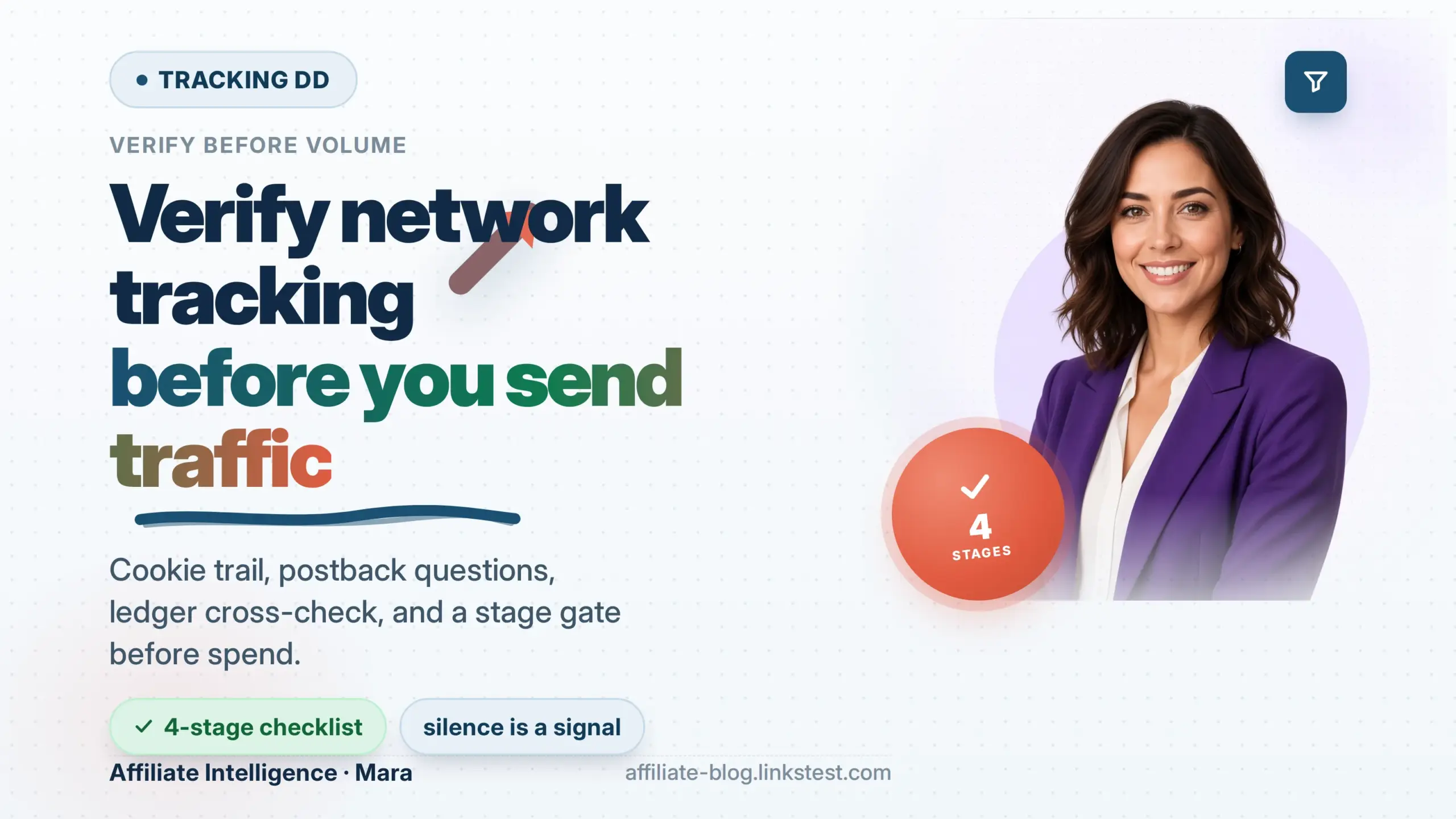
A staged verification runs as four stages, a question script, and a stage gate. Verify tracking before you send traffic. Do not turn this into a tracker shopping list.
Failed Assumption: Approved Is Not Tracked
Network approval screens your site, your tenure, and your application message. It never touches a tracking hop. Those are two different jobs. A network can approve you because your content is niche-aligned and your domain resolves, then hand you a tracking link that drops the click ID in the first redirect. That approval did not test the link.
The approval-side DD is a separate question set. network due diligence checklist for beginners covers domain authority gates, tenure filters, and the traffic-surface checks that get you in the door. This post owns the mechanical half - the staged verification that runs after approval and before volume.
Treat an approved offer as untracked until a matched row appears end to end. Approved is not tracked. An approval letter is a door, not a receipt. The stage gate is the only thing that separates the two.
Prerequisites
Before Stage 1, gather five things.
- The raw network tracking link - the one the network issued. Not a merchant URL you copied from the address bar.
- Access to the network click report at row level, not the summary tile.
- A unique test SubID value - lowercase, URL-safe, no spaces. Use something like
ddtest1-20260830. - A private browser window so your existing cookies do not mask the test.
- A controlled self-test conversion where the offer policy allows it. This is a low-value QA purchase in your own name or an advertiser-provided sandbox/test event. No cloaking, no burner setups, no fabricated user data. A self-test conversion is controlled DD. Anything designed to disguise the conversion source is fraud.
You do not need a tracker to run Stages 1 through 3. The network dashboard and your own log file are enough. If you run paid traffic through your own redirect, add your tracker click ID to the SubID slot in Stage 2.
Checkpoint: You can answer “where is the raw link?” and “what is my test SubID?” without looking anything up.
Stage 1: Follow the Cookie Trail
Goal: prove your click ID and SubID survive every hop from your traffic source to the final landing page. The failure is silent because the user still converts, the network still credits a sale, and your label never lands.
Step 1: Catch the address-bar trap. The most expensive beginner error is copying the final URL from the browser address bar after a redirect and pasting it as the affiliate link. The page loads. The user can buy. But the affiliate redirect never fires, no click ID is created, no cookie is set. It looks like a working link. It is not the affiliate link. Test from the raw network link, never from a merchant URL you landed on.

Step 2: Trace the full path in a private window. Click the raw tracking link in incognito. Watch the address bar across every hop. At the final landing page, copy the URL and confirm your SubID is still present. Here is the pattern that matters:
If your sub1 and clickid are gone from the final URL, a hop stripped the query string. That is the ugly-parameter and shortener strip risk. Many redirect tools forward to a fixed destination and throw away the incoming query string by default.
Step 3: Decide whether a dropped parameter still pays you. Some networks attribute by cookie set at an intermediate hop, not by a value on the final URL. The parameter may drop and the commission may still land. Treat a drop as a lead, not a verdict. The parameters that must arrive are the ones the merchant page itself reads - Impact’s irclickid, Amazon’s tag, Refersion’s rfsn, or whatever your postback integration depends on. Confirm against your own network click log before rewriting links.
Step 4: Acknowledge cookie-window honesty. Ask what the cookie window actually is, and whether checkout moves to a third-party payment domain where the cookie cannot follow. A short window on slow research traffic is a silent commission leak. A 24-hour cookie on a 14-day consideration cycle is a structural loss, not a conversion problem.
For deeper UTM versus SubID mechanics, read the affiliate link tracking best practices UTMs SubIDs server-side. For the six silent failure families, see the affiliate tracking failures silent attribution breaks.
Checkpoint: You have a live click row in the network UI with your test SubID visible, or you have documented exactly which hop stripped it.
Stage 2: Ask About Postbacks the Right Way
Goal: confirm the network can return your click ID and SubID in a server-to-server postback before you scale spend. A click is not a conversion. A healthy click count with zero matched postbacks is a tracking signal, not a traffic-quality signal.
Step 1: Ask the right questions, not “does tracking work?” Here is the pre-traffic postback script:
- What is the postback URL template, and which macros does it accept?
- Which parameter carries the click ID on the click side?
- Which field does the postback return it in? Will it echo my SubID back?
- Is my postback domain allowlisted, or will your server block it?
- What status fires the postback - approved only, or pending too?
Step 2: Verify the macro names, not generic labels. Every platform names the same idea differently. CAKE expects #s1#. Everflow expects {sub1}. Affise has no clickid macro for affiliate postbacks at all - pass {sub1} through {sub8} instead. If you send {payout} when the network expects {sale_amount}, the postback arrives, the server returns a happy 200, and nothing matches. A green tick means the endpoint answered - not that tokens matched.
If the network sends #s1# and you wrote {s1}, it fails silently. Match macro syntax exactly. The S2S postback tracking failures behind green tick walks the full silence-point map.
Step 3: Check the SubID filter trap. Some networks or trackers run filters that block “known bad subsource values.” If your test SubID passes empty through a filtering step, the row may be discarded before the postback has a chance to match. The UI still shows green. Before blaming the network, confirm the filter did not silently remove your test row because the subsource was empty.
Step 4: Confirm the echo, not the delivery. A postback can fire with a 200 and return a blank SubID. That means the click chain never stored the SubID in the network’s expected slot. The postback can only return what the click stored. Chase the payload field, not the postback endpoint.
The UTM and SubID split covered in Stage 1 explains which layer carries payout truth. A network dashboard that treats a delivered postback as a matched conversion is not tracking truth.
Checkpoint: You have a documented answer for the macro names, the firing status, the allowlist, and either a confirmed SubID echo or a documented blank.
Stage 3: When the Numbers Cross
Goal: run a row-level ledger cross-check between your own traffic log and the network report. Aggregates lie. This is where clicks fail to equal conversion attribution.
Step 1: Export both ledgers at row level. Your own traffic log - ad platform, lander, shortener - and the network click report. Match on SubID value inside the same time window. Do not compare dashboard totals. A gap at row level is the story:

Step 2: Reconcile the same window and accept normal noise. Network click counts include bot traffic your analytics filtered out. Different systems count clicks versus sessions - a shortener counts clicks; a network may measure sessions. Gaps of 10-20% are normal. But your own SubID rows that never appear at all are not noise. They are a break in the chain or an attribution leak.
Step 3: Cross-check conversion attribution, not just clicks. The conversion fire is the only evidence that matters. The payout truth is the server receipt, not the client-side event, per TUNE postback best-practice guidance. If the network shows conversions but your own ledger does not, or the reverse, the join key is broken. The silent attribution breaks described in Stage 1 cover the full failure family.
Checkpoint: You have exported rows from both ledgers, matched on SubID in the same window, and either the totals agree within noise or you have a documented row-level gap.
Stage 4: Visibility Into the Invisible Click
Goal: make the invisible click visible. Only a full-path controlled test conversion proves the loop closes before volume.
Step 1: Build the test path end to end. From your real traffic source, click the raw link, land, and complete a controlled self-test conversion. Where policy allows, use a low-value real purchase or an advertiser-provided sandbox/test event. No cloaking, no burner setups, no fake users. This is controlled DD, not fraud.

Step 2: Verify the conversion appears in the network under your test SubID. Log into the network report. Confirm the conversion row exists, carries your click ID, and returns the SubID. If it appears with a blank SubID, the mapping broke upstream. The blank SubID diagnose before rebuild walks that full sequence.
Step 3: Treat silence as the DD signal. A green dashboard with an empty postback log after a clean test click is a documented failure, not a warm-up problem. If the postback does not fire, times out, or fires with a blank key, the exact failure location is now visible. Do not send volume hoping it starts matching under load. Per IREV postback and S2S tracking setup guide, a single wrong parameter name can erase all conversions.
Step 4: Check for double-fire dedupe. Fire the identical test event twice. Confirm one credit, not two. A pixel plus postback without a shared transaction ID inflates EPC and becomes a finance-facing problem later.
Checkpoint: Confirm the full-path test conversion appeared under the test SubID, or document a blank or silent failure. Confirm no duplicate credit.
No volume is sent until a matched end-to-end conversion is confirmed.
The Pre-Traffic Script and Stage Gate
Goal: convert the four stages into a go/no-go decision before you buy a single real click.
The consolidated pre-traffic question script:
- What is the raw tracking link?
- What are the macro names for click ID, revenue, order ID, and SubID on both click and postback?
- What status fires the postback?
- Is my postback domain allowlisted?
- What is the cookie window, and does checkout move off-domain?
- Will the postback echo my SubID, or only the click ID?
- Where are the raw postback logs I can inspect?
The stage gate:
- Stage 1 pass: click row visible with SubID, or the strip point is documented and fixed.
- Stage 2 pass: macro names correct, SubID echo confirmed or blank documented.
- Stage 3 pass: ledger cross-check matches at row level within noise.
- Stage 4 pass: controlled test conversion matched with SubID, no duplicate credit, postback log visible.
If all four pass, send volume. If any stage fails, fix and re-run, or walk. Silence after a clean test is the answer. Do not buy volume to see if it warms up.
A clean launch is worth a 48-hour delay. Clawed-back payouts two weeks in are not. The gate exists because the alternative is spending against an unproven loop.
Checkpoint: You have a written pass/fail for each stage and a go/no-go decision.
Troubleshooting Common Issues
Six common errors, with exact fixes.
-
Blank SubID in the conversion report. Cause: token mapping broke upstream; the network never stored the SubID. Fix: chase the click-chain parameter, not the postback. See the blank SubID diagnostic covered in Stage 4.
-
Unmatched postback with a green tick. Cause: macro mismatch –
#s1#versus{s1}. Fix: compare the expected postback request with the request actually received, then correct the macro. See the S2S postback green-tick failure map covered in Stage 2. -
Filter silently blocks your test clicks. Cause: an empty subsource caught by a “known bad” filter. Fix: ask the network which filter ran, pass the test value through the filtered path, and re-run.
-
Address-bar reuse. Cause: you copied the final URL instead of the raw affiliate link. Fix: re-test from the raw network link. See the affiliate link tracking best practices covered in Stage 1.
-
Clicks present, conversions zero. Cause: conversion event logged but no matched postback, or checkout on a third-party domain. Fix: run the full-path test and inspect the raw postback log. See the silent attribution breaks covered in Stage 1.
-
Double credit. Cause: pixel and postback both fire without a dedupe key. Fix: set a transaction or order ID dedupe key, fire the same test twice, confirm one credit.
If a clean pre-traffic test returns silence, that is the answer. Do not buy volume to see if it warms up. The fix is mechanical. The discipline is refusing to spend against an unproven loop.