Pick a SubID Tool by Job: Ledger, Join, Optimize
Ranked lists of tracking tools sell certainty. They rank features. They do not rank fit. And most operators who buy from them end up with a capable tool that cannot do the one thing their link actually needs. That mismatch costs more than the subscription. It costs the proof of where every sale came from. So here is the thesis, plain: buy tooling for the SubID job you actually have, not the logo on the comparison page.
For SubID setup, naming, and blank-column diagnosis first, use the SubID tracking setup guide. This page is only the tool-fit decision.
The Failed Winner-List Assumption
The same category-not-logo habit applies when shopping programs: best affiliate programs fit tests.
The failed assumption behind most SubID tool purchases is simple: that somebody else’s winner list describes your workload. It does not.
A ranked list of “best SubID tools” answers the question “which tool has the most features.” That is not the question you need answered. You need to know which tool reads your network’s exact parameter name, stores the value, and returns it on conversion. Nothing else moves money.
If your SubIDs are blank or missing entirely, that is a diagnosis problem, not a tool-fit problem. Work that first: diagnose why SubIDs are blank before comparing tools. This article is about matching tool to job, not about missing SubID values.
Active campaigns rarely stop at one SubID slot. Real operators track source, creative, placement, and offer in parallel, so multi-slot support is a fit test, not a nice-to-have. A tool that handles one slot beautifully and truncates the second is not a good fit. It is a slow leak you will not notice until a report makes no sense.
Feature count is not fit. Fit is whether the tool does the job your link actually performs every time a click leaves your domain. That is the difference between a purchase and an answer to a question you never asked.
Three Jobs, One Link
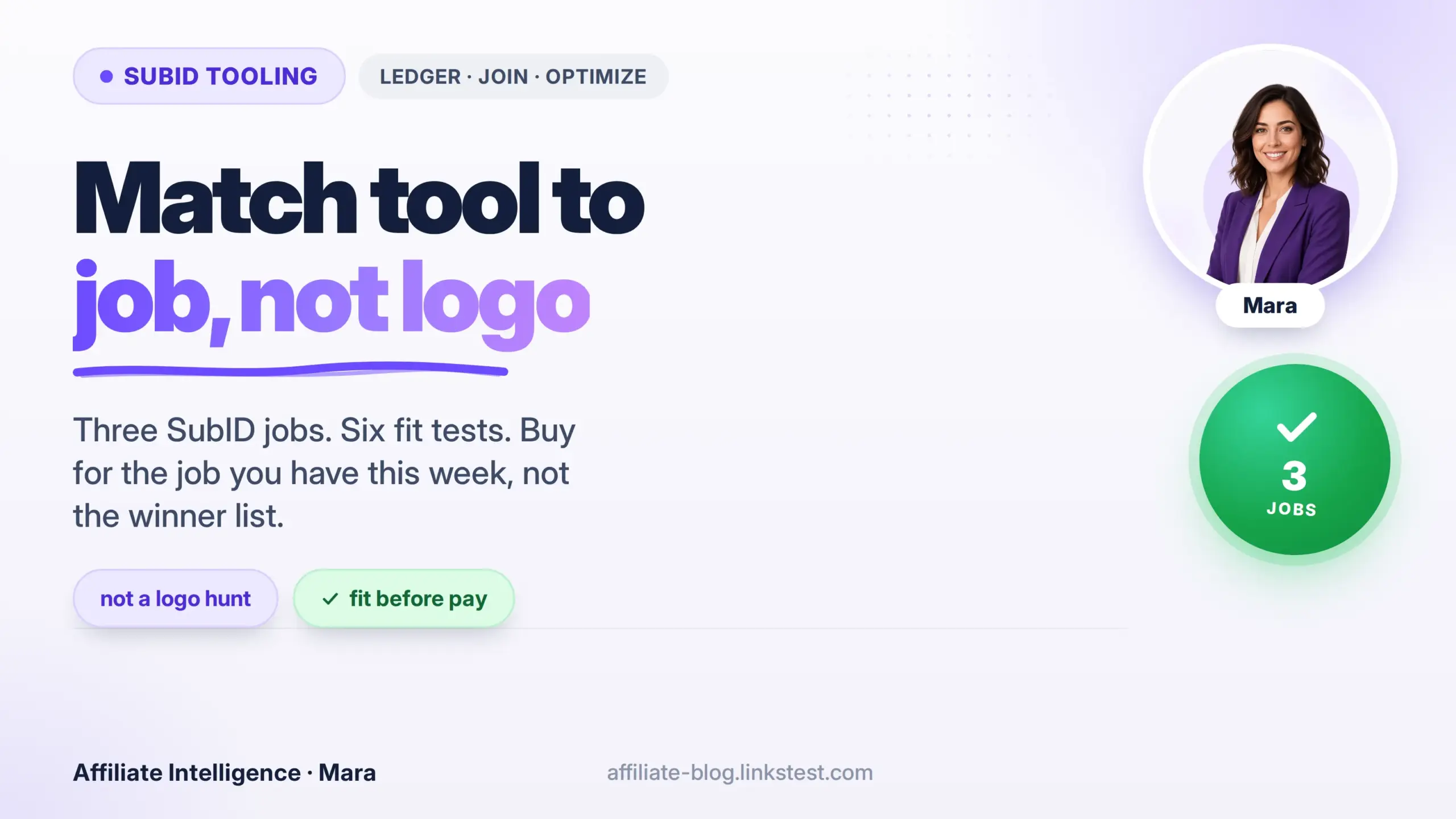
One link performs three jobs. Ledger, join, optimize. They are not interchangeable, and a tool can win one job while failing the other two cleanly. That is why the scorecard is not the score.
Before you pay for anything, name which of the three jobs your current setup cannot do. Buy only for that job. The other two are someone else’s problem until they are yours.

Ledger: Which Report Owns Payout Truth
The ledger job is the unglamorous one. Someone has to own what you actually get paid, and that someone is not GA4.
The network platform report is commission truth. GA4 is a behavioral snapshot of sessions. They are not two views of one number. Networks and GA4 rarely agree on the same conversion count, because one measures commission-eligible actions and the other measures behavioral events (UTM, SubID, and server-side proof foundation). That gap is not a bug. The network counts payable actions. GA4 counts sessions that survived consent prompts and bot filtering. Different ledger, different job.
If your SubID tool pulls only from GA4, you are not tracking money. You are tracking visits. And if the tool cannot read the network ledger, it is a dashboard, not a tracking decision. Buy a tool that ingests the network export or postback log directly. Otherwise every reconciliation starts with you hand-copying from three screens and hoping the numbers stop lying to each other.
Join: Where Click ID Meets Conversion Proof
The join job is where affiliate tracking actually breaks. A click ID is generated, stored somewhere, then matched to a conversion after the fact. The middle step, storing and returning that value, is where proof dies.
Server-to-server captures close to 100 percent of conversions where a browser pixel can miss up to 20 percent from ad blockers and browser restrictions. The problem is that a green tick in the dashboard does not mean the join worked. A green tick means the endpoint answered, not that tokens matched. Some platforms return a 200 OK even for unsuccessful postbacks.
The join job is only done when the raw postback returns the same SubID you sent. If your tool cannot show the raw postback request and the returned token side by side, you have a click counter, not a join layer. That distinction is not pedantry. It is the difference between scaling spend and scaling theater.
Optimize: Which Cuts Happen at SubID Level
The optimize job is where SubID money is made or lost. You do not cut a campaign based on a total. You cut a placement inside a campaign.
Affiliates who run weekly SubID-level cuts pause underperforming sources 3.2 times faster than those who optimize at campaign level only. The waste does not sit evenly across the campaign. It clusters in a handful of placement IDs, maybe 20 percent of them carrying 80 percent of the loss. You cannot find those placements by staring at a campaign total.
The tool has to let you slice by source, creative, placement, and offer, then pause the losing row in one motion. If it cannot group by SubID without a manual export to a spreadsheet, you will find the loser two weeks late, spend through it, and declare the whole campaign dead when it was never dead. Just carrying one quiet placement. If the tool cannot group by SubID, it is a click counter wearing a dashboard costume.
The Six Fit-Test Questions Before You Pay
The six questions live below the demo, not in it. Ask them before the sales call, because every demo is engineered to show the happy path. The unhappy path is where your money leaks.
First: does the tool read the network’s actual parameter name? ShareASale expects afftrack, Awin expects clickref, CJ expects sid, Impact expects subId1. A tool that hard-codes subid and calls it universal will drop your label on three of four networks without an error. If the answer is a shrug, walk.
Second: does it store and return SubID on postback? Storing the click is half the job. The postback must echo the same value back, or the join job never completed. CAKE’s s1 field maxes at 50 characters while s2 through s5 run to 100. A long campaign label in the wrong slot comes back truncated or empty. Ask to see a raw return, not a green tile.
Third: does it group by SubID without a manual export? If grouping lives in a spreadsheet you maintain by hand, the tool is a clipboard with a subscription fee. The cut report has to live inside the product.
Fourth: does it accept multiple slots without truncation? Real campaigns often need more than one SubID slot. If the tool accepts one slot well and mangles the second, you have bought for a simpler job than you own. That is the winner-list assumption all over again.
Fifth: does it dedupe pixel plus S2S? Without a shared transaction ID, a browser pixel and a server postback both fire, and your EPC gets a fiction bonus that reconciliation later claws back. Ask exactly how the tool prevents double-fire before you scale.
And sixth: does it show fail states, not just green ticks? Ask where failed postbacks surface in the interface. If the answer is “they do not,” you are running blind on the only signal that matters.

Ask these before the demo. Not after the invoice.
Prove the Job Size With a CSV Log First
Before you buy a paid tracker, run a minimal CSV click log for one campaign. Log timestamp, network, campaign label, SubID value, and the outbound URL. Append the token the network actually accepts, then check whether the same value returns in the export or postback.
That spreadsheet job answers a sizing question: can you join clicks to commissions by hand for two weeks without drowning? If yes, you may not need a tracker yet. If the join breaks daily, or you are importing network CSVs into three tabs just to find one loser placement, you have graduated. Buy for the join job, not the logo.

Absorb Long-Tails Without New URLs
Once the tool matches the job, the next question is not which new URLs to build. It is how to absorb a long tail of placements without generating a new link for each one.
This is where the link-factory instinct kicks in and where it wastes the most hours. Operators think more placements mean more copied URLs with hand-stamped SubIDs. Wrong. The right move is dynamic SubIDs via placeholders: a template URL that fills source, creative, and placement values at render time, so one base link carries a hundred placements. ClickBank’s newer parameters support aff_sub1 through aff_sub5 at up to 100 characters each. The slot count exists. The constraint is your schema, not the network.
Publishers running several networks often juggle many distinct SubID parameter names across platforms. That is not a tooling problem. It is a data contract problem. The schema is the product: one defined meaning per slot, documented, enforced, and tested before traffic runs. When you treat the parameter schema as a contract, a new placement becomes a new value inside the existing link, not a new URL. That is how you absorb long-tails without paying a maintenance tax. And it is exactly the kind of thing a pre-launch validation pass catches before you scale.
Long-tail absorption applies beyond standard affiliate URLs. Unique promo codes and vanity links can carry the same SubID schema when the host supports query parameters or code-level tags. An untagged promo code is a blind spot: sales land, but you cannot tie them back to the video, email, or placement that drove the click.
This-Week Decision Glue
A capable full tracker can do all three jobs, but capability only matters if it is the right tool for the job this week. That is the entire purchase. See how to choose an affiliate tracker without buying for shelves you will never stock.
Self-hosted or fully custom tracking is the wrong default for SubID-only work. Building your own click layer takes coding skills, ongoing maintenance, and postback wiring that most operators underestimate. Match tool to job: a spreadsheet plus network export handles the ledger job until volume forces an upgrade. A media-buyer tracker handles redirect chains you do not run. Custom builds belong after you have proven the job size, not before.
So stop reading lists. The decision that moves anything this week is smaller than a purchase order.
Pick one live campaign. Write down which of the three jobs, ledger, join, or optimize, is actually failing on that campaign right now. Not which one sounds impressive. Which one is broken. Then run the six questions against whatever you currently use, or whatever you are about to buy.
If the tool cannot read the network ledger and you need the ledger job, it is wrong. If it cannot return SubID on postback and you need the join job, it is wrong. If it cannot group by SubID and you need the optimize job, it is wrong. Nothing else in the brochure matters after that.
Do not buy a logo. Buy the return path that echoes your SubID.
That is the only sentence you need to keep.