Affiliate Tracking Broken by a Merchant Registration Wall: Diagnose Lost Commissions
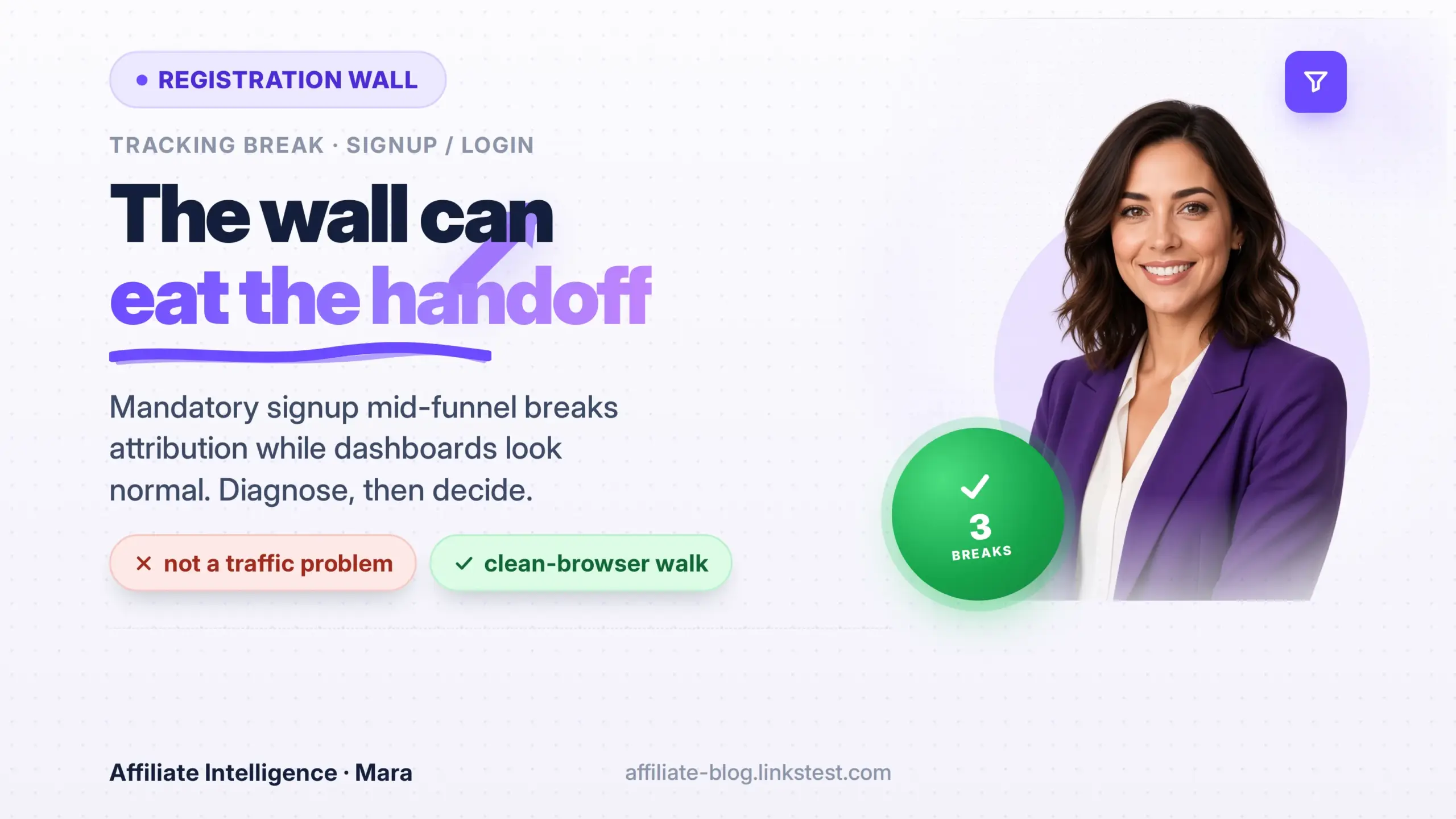
Operators often open a merchant dashboard, see healthy click volume, and conclude the traffic is not converting. That reading fails when a merchant forces account creation between the affiliate click and checkout confirmation. Clicks record. Purchases complete. The publisher commission row may never appear. The condition deserves a precise name: the signup-wall handoff break.
This piece covers only that failure mode. For a broader click-to-commission tree, use the conversion drop troubleshooting checklist.
What happens at the wall (three core breaks)
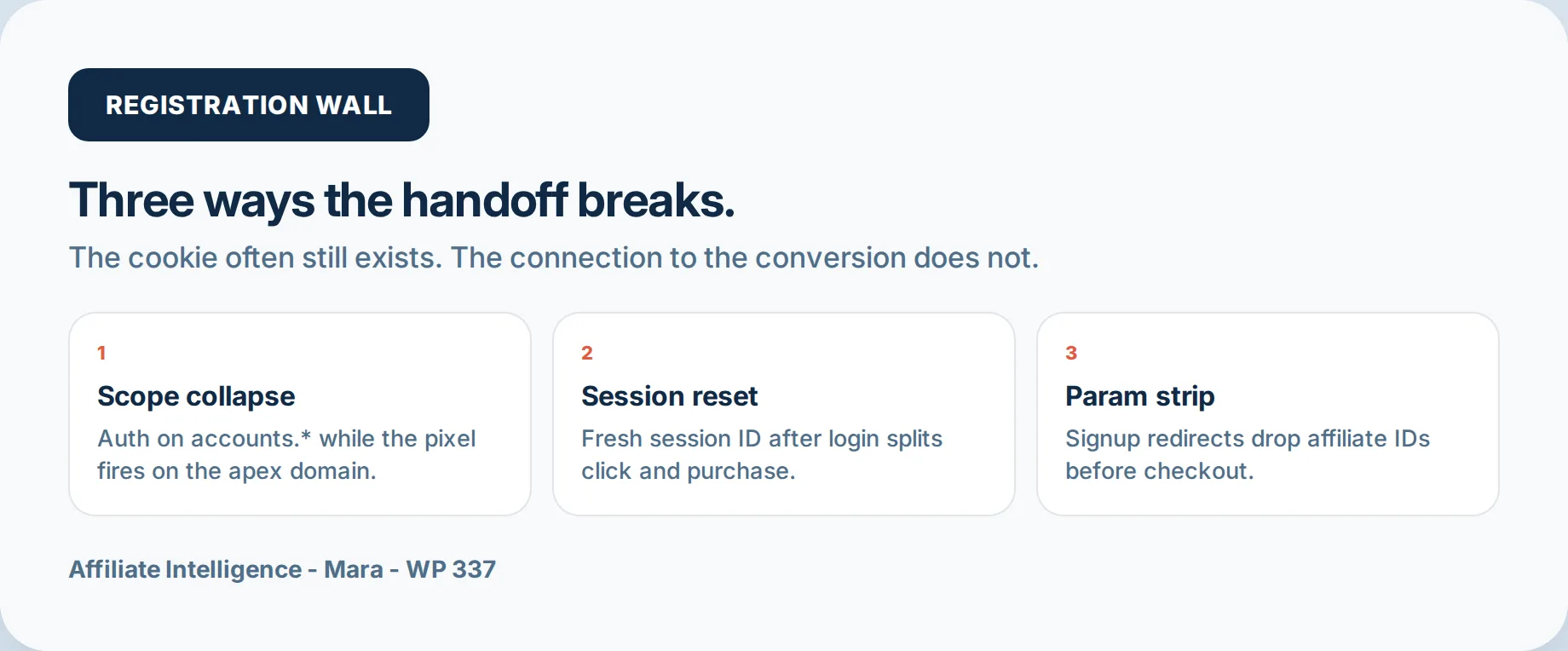
A mandatory registration or login mid-funnel can kill the attribution handoff without deleting the affiliate cookie. Three mechanisms show up repeatedly.
Break 1: domain and subdomain scope collapse
If auth lives on accounts.merchant.com and the conversion pixel or network tag fires on merchant.com after a fresh session, the affiliate ID can sit in the browser jar and still miss the sale. Cookies are scoped. A cookie set for merchant.com without a parent Domain attribute will not be sent to accounts.merchant.com. A cookie set for .merchant.com can be read by both, but many stacks set scope too narrowly. Moonpull documents a related Break 1 pattern in the wild: a cashback publisher whose conversion rate worsened because traffic was split across www.advertiser.com and www.uk.advertiser.com at once (Inconsistencies in Affiliate Tracking). Parallel hostnames, one clicks ledger, incomplete handoff. For cookie and SubID design, see the tracking best practices guide.
Break 2: session ID renewed on authentication
OWASP session guidance treats renewing the session ID after a privilege change (login / signup) as standard anti-fixation hygiene (Session Management Cheat Sheet: renew the session ID after any privilege level change). Expect that rotation. If the merchant ties affiliate state only to the pre-auth session object, the click lands in session A and the conversion fires in session B with no join. The concrete ask is not vague “keep tracking.” Ask them to stop depending on session continuity alone: persist the network click ID in a root-domain first-party cookie that survives auth, and/or write the click ID onto the account record at registration so the conversion event can reattach after login.
Break 3: parameter stripping across signup redirects
Signup flows bounce through login, auth handler, return URL, product page, then checkout. Every hop can drop SubID / clickref. A 302 that normalizes query strings, or a login handler that returns to a hardcoded continuation URL, will discard the original request. Moonpull’s operator checklist says advertisers must carry tracking parameters through all site pages, and through internal redirects when stock or 404 paths restructure (9 Tips to Fix Affiliate Tracking Issues). When a SubID disappears between hops, use the SubID diagnostic; for hop forensics, the redirect leakage audit and redirect chain detection tools.

Variants that look like the wall
These are not separate theses. They are common paths that produce the same handoff miss.
- Email verification, magic link, or OTP. The user leaves the click browser, opens the message in Mail or an in-app browser on another device, and returns without the first-party cookie. Treat as a hypothesis: run the clean walk with and without email verify. Cross-device click vs conversion gaps also appear in newsletter click-count reconciliations (Media Intercept on affiliate click tracking discrepancies - click reporting, not wall commission math).
- Social login (Google / Apple) on another domain. Auth hops to an identity provider, then back. If the merchant’s first-party state was never written to a durable root cookie or account field, the return lands clean of affiliate IDs. Treat that as a hop-log finding on your clean walk, not as a named WebKit rule.
- Browser link-tracking stripping. Apple’s Link Tracking Protection removes known tracking parameters from links shared in Messages and Mail, and from links in Safari Private Browsing (Apple privacy announcement). Apple does not publish the full strip list. If your SubIDs or click IDs collide with that class, hedge: confirm on a non-Private Safari path and on another browser before blaming only the merchant wall.
How to identify leakage (signals that publishers can actually read)
Merchant new-customer flag - not your site “new vs returning”
Segmenting your analytics by new versus returning visitors measures people who landed on your content, not whether the merchant treated them as new customers. For wall diagnosis you need the network’s new-customer / NTF flag, or an export the affiliate manager can pull for the same date range. Two confounders:
- Programs that pay only (or more) for new customers will invert the gap without any wall - soft-link the new-to-file rate KPI.
- “Returning visitor” on your site does not mean “already logged in at the merchant.”
If the network shows weak attributed sales on true new-customer rows while existing-customer rows look fine, and your clean walk drops IDs at auth, the wall is a live suspect. If both customer types look equally soft, look elsewhere.
Time-to-conversion - and ITP as a confounder
A second conversion cluster days after the click can mean users hit the wall, left, and returned authenticated with attribution gone. It can also mean browser privacy, not a wall. WebKit ITP caps cookies created in JavaScript after a navigation with link decoration from a classified domain to 24 hours, and deletes script-writable storage after 7 days of no user interaction with the site (Tracking Prevention in WebKit). If the cookie normally persists for the network window on browsers without that classification path, a delayed second cluster alone is not proof of a signup wall. Use it with the clean walk and the merchant new-customer split.

Clean-browser walk (method)
- Use a clean profile (no merchant cookies / saved sessions). Prefer one Safari/iOS pass and one Chromium pass.
- Open DevTools -> Network -> enable Preserve log. Click your affiliate link.
- For every hop, note: URL, status, query string (SubID / clickref / gclid remnants), and every
Set-Cookie(name, Domain, Path, Secure, SameSite). - When the wall appears, record the auth hostname.
- Run four short variants when the merchant offers them: email/password signup, email verification / magic link return, social login, and a different product URL (walls are sometimes URL-specific).
- After auth, check whether the click ID is still present in cookie, local storage, or the continuation URL before checkout.
A path that drops the ID in one variant and keeps it in another is still a handoff bug - route traffic away from the broken variant while you escalate.
What to do (three operating decisions)
Ask for a technical fix with commercial framing
If you have an affiliate manager, open with a commercial integrity issue, not a soft-EPC complaint. Attach the hop log and the merchant new-customer split. Concrete asks:
- Carry tracking parameters through every auth redirect (Moonpull tip 2 / tip 7).
- Do not depend on pre-auth session continuity; persist the click ID in a root-domain cookie and/or on the account record at registration.
- Confirm one canonical hostname (avoid silent www / geo host splits like the Moonpull cashback case).
The audit trail turns “EPC feels soft” into a reproducible path the manager can retest.
Adjust traffic mix and EPC expectations
If the fix is slow, stop treating cold first-visit traffic as the health metric. Prefer branded-intent and audiences already likely authenticated. Plan on the attributed EPC you can prove, not the dashboard headline.
Deprioritize
If the merchant will not fix the handoff, cut cold exposure or suspend non-branded promotion. If you suspect ledger migration rather than a wall, switch to the network migration diagnostic. Different failure, different fix.
One-sitting checklist and FAQ
- Clean walk with Preserve log; four variants if available; note auth host and post-auth click ID presence.
- Pull network new-customer vs existing-customer attribution for the same window (not your site new/returning).
- Inspect time-to-conversion only after ITP / Private Browsing confounders are considered.
- Decide: fix ask, reroute, or deprioritize.
FAQ: Is the cookie always deleted?
Usually not. Domain scope, session renewal, or parameter strip can leave a cookie present while the conversion event cannot join it. “Cookie present” is necessary, not sufficient.
FAQ: Does returning traffic hide the bug?
It can, but only when those users are already authenticated at the merchant. A “returning” visitor in your site analytics is not that signal. Use the network new-customer flag. Aggregate EPC can look fine while true new-customer attribution leaks.
The same 9 Tips note also estimates that around five percent of advertiser tracking implementations change each month (attributed estimate). A path that passed last quarter can fail quietly after an auth redesign - re-run the walk when EPC softens without a traffic explanation.