Calculate Your Effective Affiliate Commission Rate After Attribution Leakage
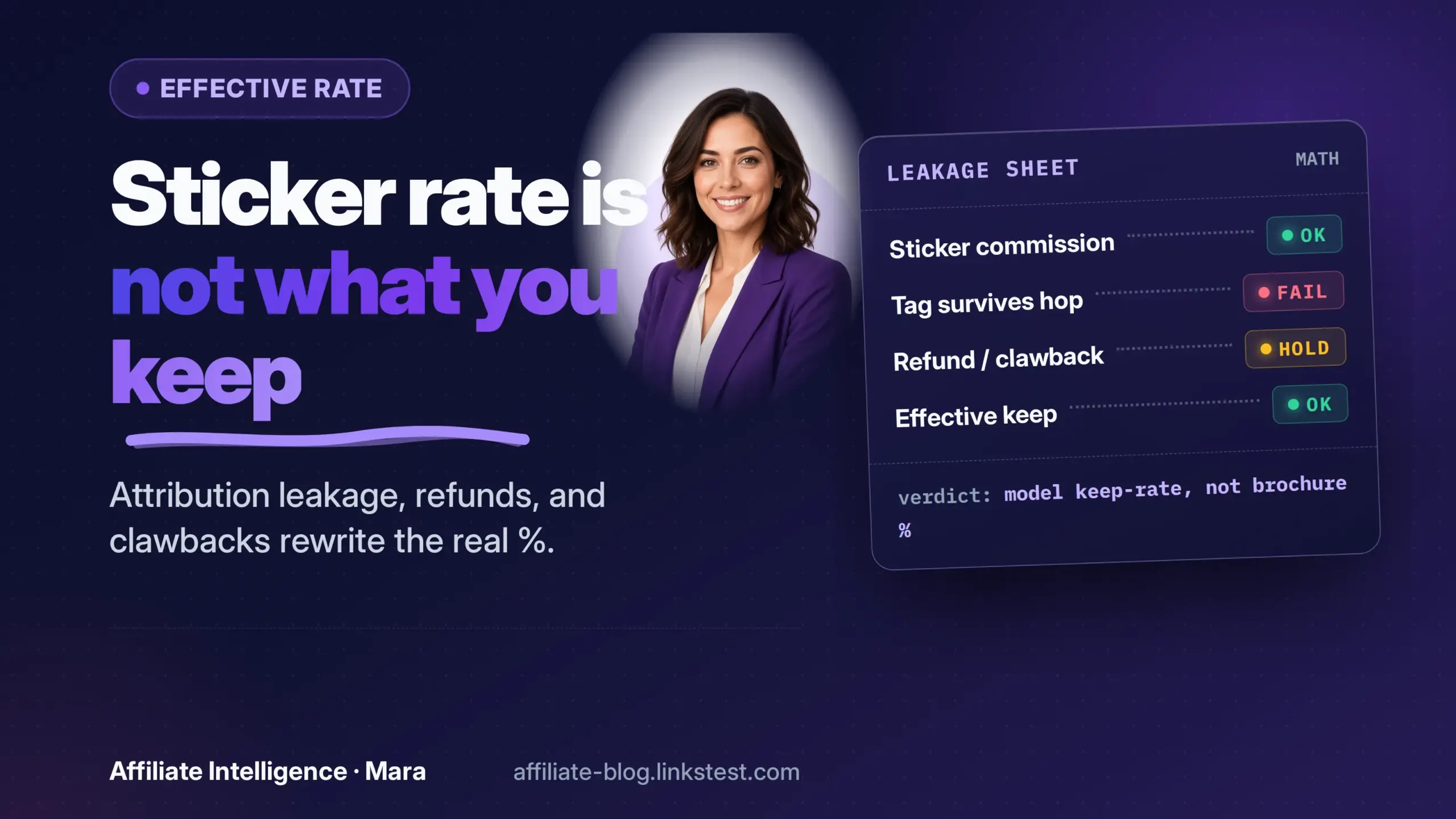
Your sticker rate is a lie of omission. It tells you what the network pays. It does not tell you who actually created the demand you just paid for.
This is the manual for restating a headline commission as a leakage-adjusted number. You tag orders, recompute the rate, then change policy or partner mix before you touch the rate card. If that sequence feels backwards, that is the point.
Prerequisites
You need one sheet with these columns before any tagging: order_id, partner_id, attributed_revenue, commission_paid, coupon_code, last_click_timestamp, first_touch_partner, ntf_flag, and leakage_tag. Add brand_bid_policy_status if you have it.
Pull two exports from your network for the same window: an order-level conversion export with SubIDs or click IDs, and a summary export by partner. If you can join affiliate attribution to your customer file, add new-to-file or new-vs-returning. The new-to-file rate is the fastest separator of acquisition from recycled demand - read it before you build the join.
- Window: one full week, or the last 30 days if order volume is low.
- Access: order-level affiliate flags, not just summary rows.
- Decision rule: pick the contribution base first. I recommend gross attributed revenue as the starting base, then set it aside if you have margin data.
✓ Checkpoint: Every column has a header and at least one row is filled before you tag anything.
The Failed Assumption: Paid Divided by Attributed Is Not the Rate That Matters
Most operators compute commission rate as commissions paid ÷ attributed revenue. That arithmetic is clean and mostly useless.
The problem sits in the denominator. Last-click attribution assigns full credit to the final touch before purchase. That final touch is often not the partner that created demand. iRev’s last-click scale piece frames it plainly: last-click rewards traffic interception and quietly defunds the partners that generated interest earlier in the funnel.
So the number you call "15 percent" is really "15 percent of whatever the attribution model says happened." Published industry bands fail the same way. They do not know your margin, your refund window, your retention, or your partner mix. The piece on why commission rate benchmarks fail operators walks through the assumption map; do not rebuild it here. The practical failure is the sticker rate alone. Reject it as the sole decision input.
✓ Checkpoint: You can state, in one sentence, why the paid-divided-by-attributed rate hides leakage on your own sheet.
Define Effective Rate: Sticker vs Leakage-Adjusted Percent
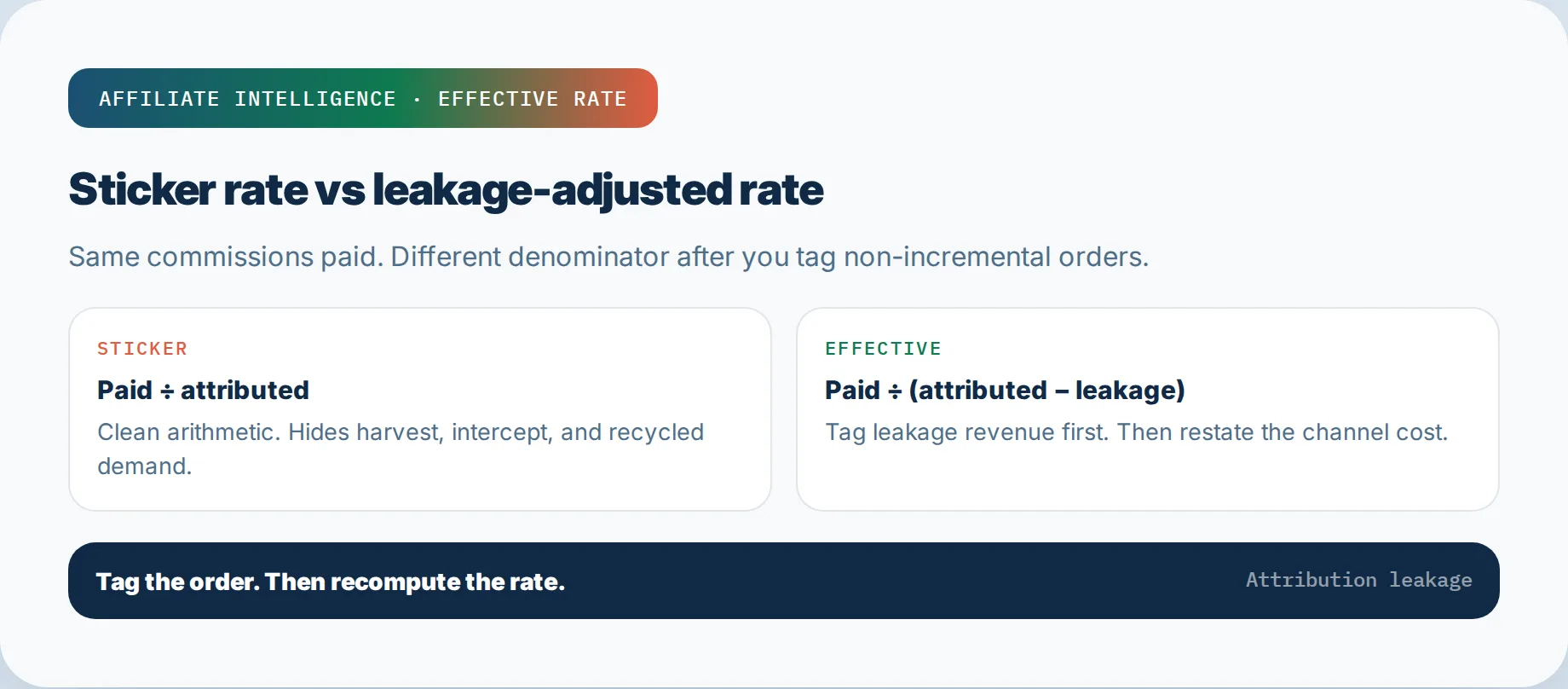
Put the formula on paper before the partners get labeled.
Go:
sticker_rate = commissions_paid / attributed_revenue
effective_rate = commissions_paid / (attributed_revenue - tagged_leakage_revenue)
That is the conservative cost view. You keep commissions paid in the numerator. You shrink the denominator to revenue that was plausibly incremental, after excluding orders tagged as leakage.
Worked example, explicitly labeled as sample arithmetic: suppose a week has $10,000 attributed revenue and $1,500 commissions paid. The sticker is 15 percent. You tag $4,000 of revenue as leakage - orders a closer captured but did not create. The effective rate becomes $1,500 / $6,000, or 25 percent. Same payouts, different channel cost story.
If you have contribution margin by order, you can subtract leakage contribution instead of leakage revenue for a margin-based effective rate. I recommend gross revenue first; it forces the arithmetic to stay visible.
✓ Checkpoint: Your sheet contains one written formula and one worked example with your own window’s numbers.
Last-Click Harvest Types That Inflate the Sticker
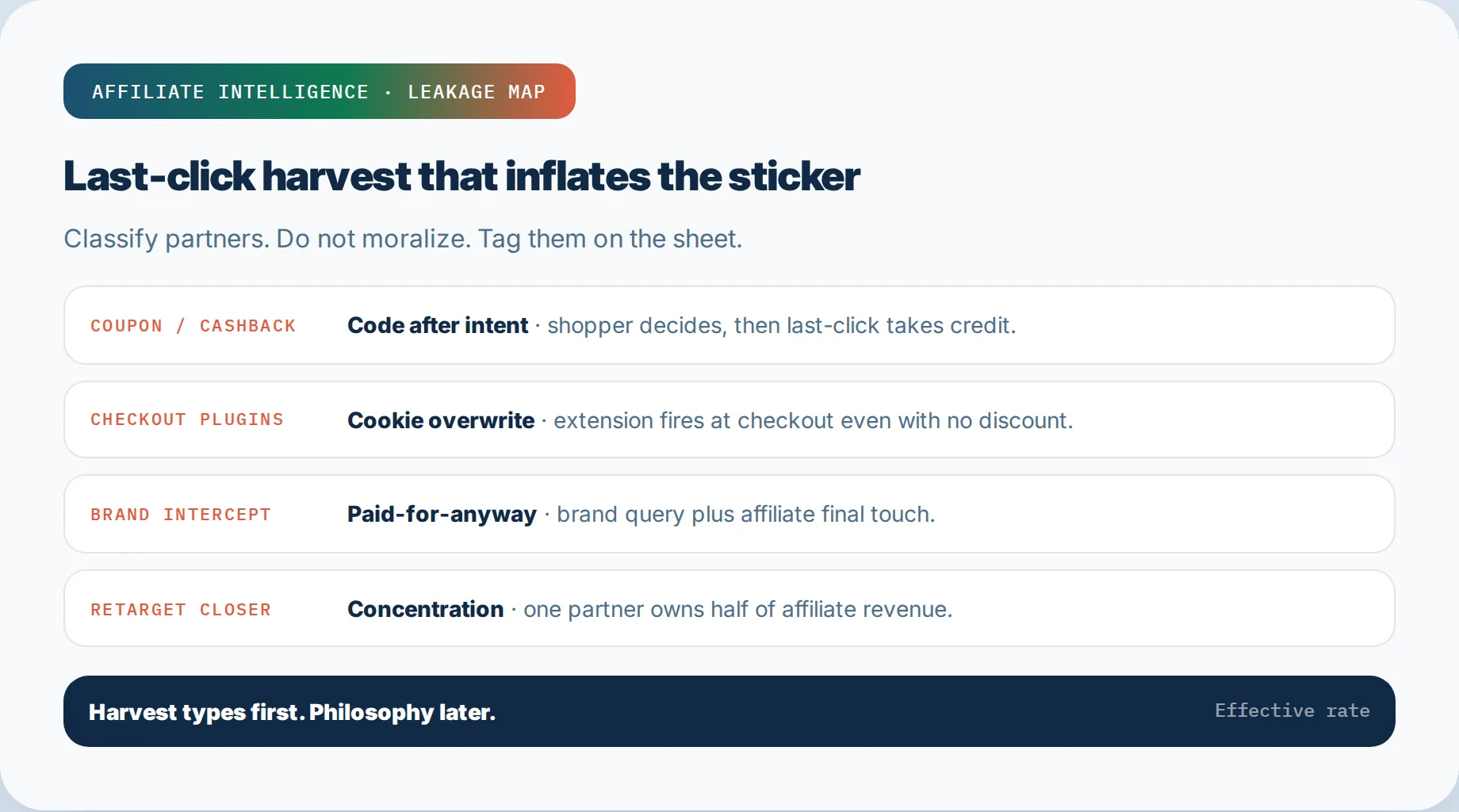
Three partner types harvest demand they never introduced: coupon/cashback/deal sites, checkout plugins and browser extensions, and conversion-opt closers. Classify, do not moralize.
- Coupon and cashback: the shopper decides, then opens a new tab for a code. The coupon partner becomes the last touch.
- Checkout plugins and extensions: a browser extension fires at checkout, overwrites the existing affiliate cookie, and takes credit even when no discount applied.
- Conversion-opt closers: retargeting or "closing" partners that only touch buyers already in the cart.
Hard post-click cookies overwrite earlier post-click cookies when a new click occurs - that is the mechanic, not a conspiracy. The coupon partner cannibalization signals companion walks the five report signals; use it instead of re-deriving them. The Honey attribution aftermath covers the extension-layered program changes that actually happened; read it lightly, do not rebuild it.
Tag these partners on your sheet. Then check the gap: a harvest partner with high last-click share and low assisted share, plus a low NTF rate, lands in the leakage column.
✓ Checkpoint: Every coupon, cashback, extension, and closer partner has a row and a first-pass leakage or non-leakage tag.
Organic and Brand Intercept: Paying for Demand That Was Already Coming
Brand bidding, ad hijacking, and organic interception are paid-for-anyway leakage. The customer was already searching for you.
Brand searches are high-intent traffic you already own. An affiliate bidding on your brand terms steps in at the final moment, redirects through their affiliate link, and claims commission. The structural loss is direct: you pay for traffic you would have received free, while organic clicks can dip as paid intercept rises. Bluepear’s brand cannibalization write-up maps the same intercept mechanic.
Red flags: brand CPCs rising without a total-traffic lift, organic clicks falling as affiliate last-click volume climbs, and promo pages outranking your own site on branded queries. PPC collision with your own brand spend gets murkier here; the PPC attribution collision audit covers that internal overlap lightly.
Tag every order where a session contains a brand query plus an affiliate final touch, or where SubID reports show search-engine origin on brand terms. Move those to leakage before you touch rates.
✓ Checkpoint: Your intercept tag exists and you have counted brand-touch affiliate orders for the window.
Retargeting Concentration and Post-Impression Credit as Red Flags
Two structural flags: one closer dominating the revenue share, and conversions credited without a click.
If a single retargeting or remarketing partner owns half or more of affiliate revenue, that is concentration, not evidence. Most of those buyers were already cookied from an earlier visit; the closer just gets the final touch. Read top-funnel campaigns under first-click, closers under last-click. Flip the same account from first-click to last-click and retargeting share often jumps while totals barely move - same orders, renamed credit. Upper-funnel partners look weak under last-click for the same reason; the scorecard is the fix, not a bigger dashboard.
Post-impression or view-through credit compounds this. A conversion credited on an impression, not a click, lets a partner collect without any attributable engagement. Check which credit type is feeding your payout file. Retargeting concentration plus view-through credit means recycled demand is masquerading as acquisition. The NTF proxy is the check: if those "closers" show a meaningfully lower new-customer rate than content partners, the tag writes itself.
✓ Checkpoint: You can name your top closer, its revenue share, its credit-type split, and whether its NTF rate trails the program average.
Order Spot-Checks and a Light Assisted vs Last-Click Scorecard
Do not buy an MTA suite for this. Pull a sample and read paths.
Go:
Sample 30 orders a week. For each order record:
  last_click_partner
  first_touch_partner (if path export exists)
  coupon_code
  ntf_flag
  leakage_tag
Compare last-click against assisted appearance. A partner that appears nowhere except the final click is capturing. A partner with assisted share is doing earlier work. That is the scorecard, not a full attribution model.
The multi-touch attribution volume requirements guide explains why most programs lack enough conversions for stable multi-touch outputs. Keep this light. Monthly, expand to a full-month sample and add a notes column for anything odd: a coupon code used on a content landing, an extension hop after a content click, or a brand query in the path.
Order-level spot-checks beat dashboards because a dashboard averages away the sequence that tells you who created demand. Tag the order, then recompute the rate.
✓ Checkpoint: You have a weekly sample ritual and a month-end assisted-vs-last-click scorecard with columns filled.
Incrementality Holdouts and Policy Before You Touch the Sticker Rate
Panic cuts the channel. Policy fixes it. Holdouts prove which is which.
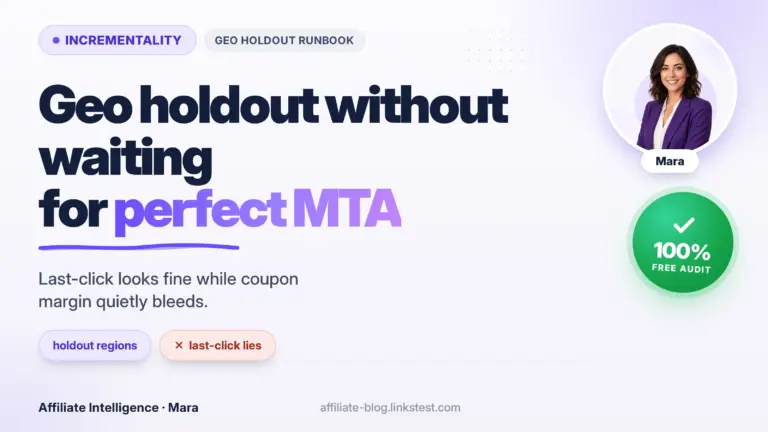
Before any rate-card edit, run a holdout: suppress a harvest partner or group on 5-10 percent of traffic and compare conversion. Pre-register the metric so you do not cherry-pick. Operators who suppress a coupon-heavy closer set and watch site conversion hold have already run the logic that matters: attribution share dropped, bottom line did not. That is a cleaned signal, not a mood. For partnership measurement framing, see Impact’s incrementality measurement notes with scope language - do not treat any vendor case as your holdout result.
Policy gates move the effective rate faster than a sticker rewrite. Sequence:
- Ban brand-term bidding in the affiliate terms.
- Require unique or partner-specific codes, not generic sitewide codes.
- Pause open-marketplace or extension partners until they demonstrate NTF.
- Tier checkout-layer rates by NTF performance.
- Set stand-down rules before you negotiate payouts.
The commission sustainability walkthrough covers commission sustainability and underwriting. Use it to check the rate you keep, not to justify the rate you panic-cut.
✓ Checkpoint: You have either a holdout result or a pre-registered holdout running, and a policy checklist written before any rate-card edit.
This-Week Proof Pack and Hand-Off
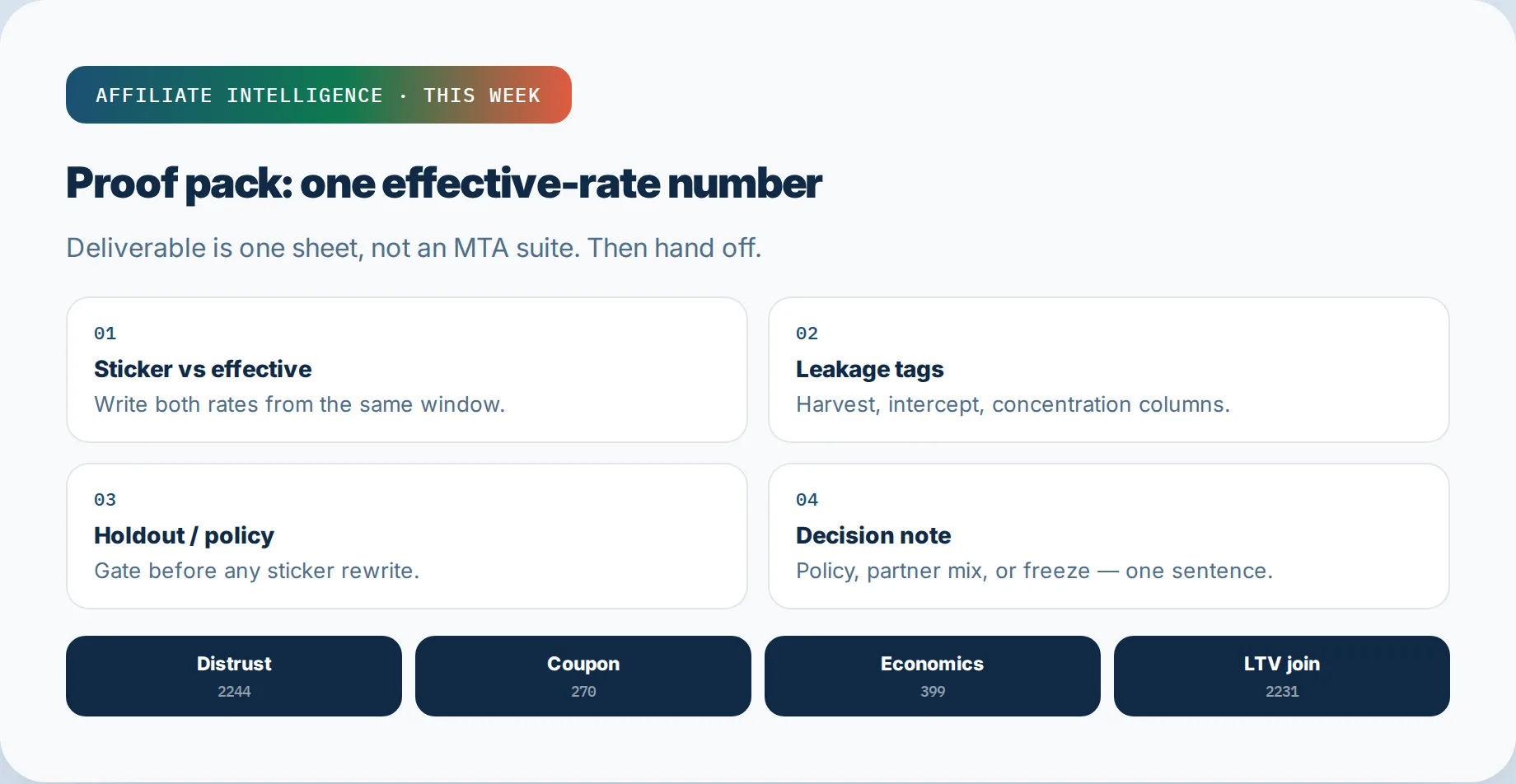
The deliverable is one number, not a model. Build the proof pack with exactly these lines:
date_window
sticker_rate
tagged_leakage_revenue
tagged_leakage_commissions
effective_rate
top_harvest_partners (≤5)
intercept_count
ntf_gap_by_partner_type
decision_note
That decision note is one sentence: what changes first - policy, partner mix, or rate card?
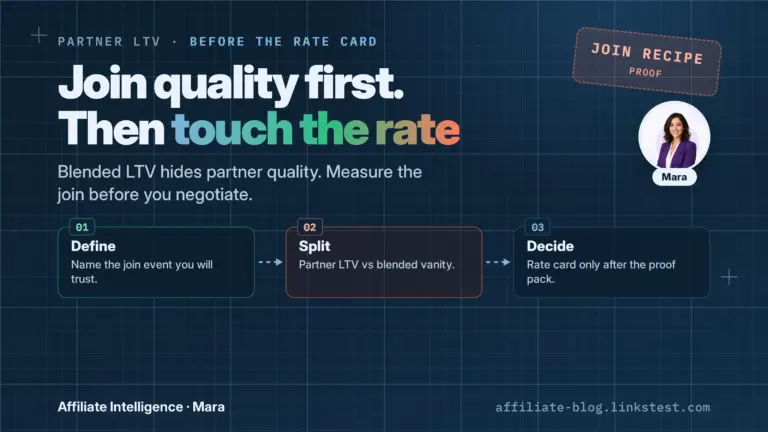
Do not hand the number off as "attribution solved." Hand it to the next operator action. Benchmark distrust goes to the rate-card conversation. Coupon signals go to the harvest-partner review. Economics goes to the sustainability check. The partner-level LTV join before the rate card runs before a rate redesign, because effective rate is a cost view, not a value view.
If the effective rate exceeds the sticker by a material margin, you already know the answer to the weekly question: what do I restate as my true commission rate this week after leakage?
Do not stop at the number. Ask four follow-ups on the same sheet: which leakage bucket moved most, which partner types still lack a tag, which policy gate is still open, and whether the next action is a holdout or a rate-card freeze. The answer stays operational.
✓ Checkpoint: Your proof pack fits on one sheet, with one effective-rate number and one decision note.
Troubleshooting Common Issues
No order-level affiliate ID in the export. Fix: request the SubID or click-ID field from the network, or ask your tracking stack to pass transaction IDs into the affiliate export. If the network refuses, map orders on timestamp plus session ID.
Only network summary exports exist. Fix: compute a partial proxy from summary rows - coupon partner share, extension partner share, and NTF gap by partner type - and document every assumption in the decision note. You will not get a perfect denominator, but you will get a direction.
Confusing Honey with coupon sites. Fix: separate by partner_id, never by display name. Browser-extension partners carry distinct SubID patterns. If the network labels partner type, trust that field over the brand name.
Fear of cutting volume. Fix: do not cut the partner yet. Run the holdout first, pre-register the metric, then cut policy (brand terms, code exclusivity, NTF tier) before terminating. The holdout precedent is the same shape: revenue attribution dropped, bottom line did not.
Effective rate looks alarming and you suspect your own tagging. Fix: re-audit the leakage tags with a second person. Check whether the base double-counts any order, and confirm the leakage revenue drove real commissions. If the number survives review, proceed to policy gates, not a rate panic.
No NTF field anywhere. Fix: define new customer as first-ever purchase or first in 24 months, then join affiliate attribution to the customer file once. If the join is impossible this week, use guest-vs-registered rate or repeat-purchase rate as a temporary proxy and label it as such.
Close next week with the same tag-and-recompute loop, not a motivational wrap. The effective-rate number is the question: what changed since last week, and which leakage bucket moved it?